
Home/cXML PunchOut
Protocol overviewcXML PunchOut
cXML (commerce eXtensible Markup Language) is the standard used by SAP Ariba, Coupa, Jaggaer, Oracle, Workday and most cloud procurement platforms. This page describes the documents exchanged in a cXML PunchOut integration and what each one contains.
- SAP Ariba
- Coupa
- Jaggaer
- Oracle
- Workday
Document set
The cXML documents in a PunchOut integration
A complete integration uses up to six document types. The first three form the PunchOut session; the others follow the order.
| Document | Direction | Purpose |
|---|---|---|
| PunchOutSetupRequest | Buyer to supplier | Starts a session. Identifies the buying organization and user, and supplies the return address for the cart. |
| PunchOutSetupResponse | Supplier to buyer | Confirms authentication and returns the URL at which the buyer’s browser opens your store. |
| PunchOutOrderMessage | Supplier to buyer | Returns the cart to the procurement system as line items for a requisition. |
| OrderRequest | Buyer to supplier | The purchase order, sent after the requisition is approved. |
| ShipNoticeRequest | Supplier to buyer | The Advanced Ship Notice, sent when goods are dispatched. |
| InvoiceDetailRequest | Supplier to buyer | The invoice, referenced to the purchase order. |
Authentication
Credentials and the shared secret
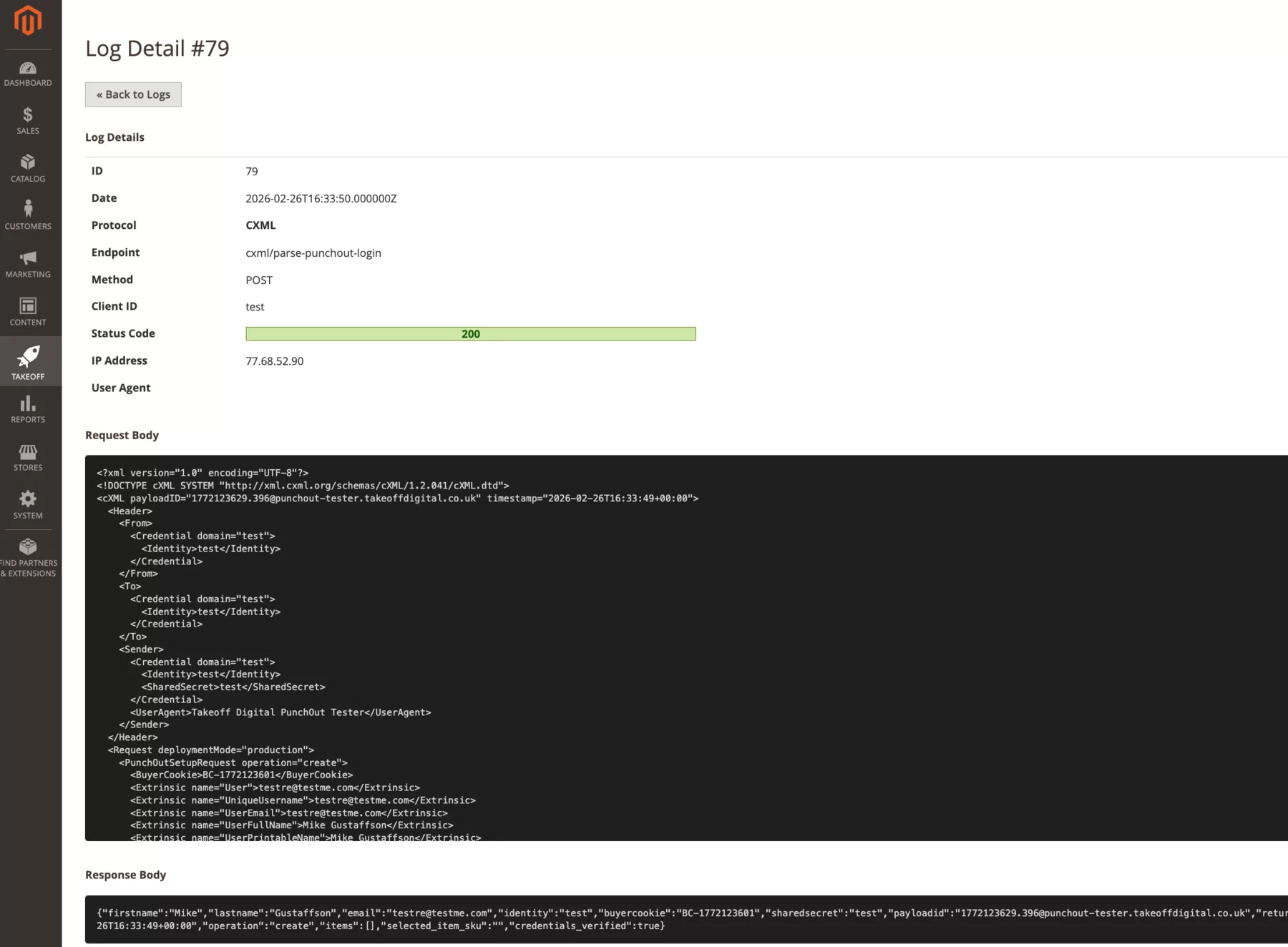
Every cXML document carries a header with three credentials. From identifies the organization that originated the document, To identifies the recipient, and Sender identifies the system transmitting it and carries the shared secret.
Each credential has a domain and an identity. Common domains are NetworkID (an Ariba Network ID) and DUNS. The values are agreed between supplier and buyer during onboarding, and the supplier’s system rejects any request whose credentials or secret do not match.
cXML header (shortened)
<Header>
  <From>
    <Credential domain="NetworkID">
      <Identity>AN01000000001</Identity>
    </Credential>
  </From>
  <To>
    <Credential domain="NetworkID">
      <Identity>AN01000000002</Identity>
    </Credential>
  </To>
  <Sender>
    <Credential domain="NetworkID">
      <Identity>AN01000000001</Identity>
      <SharedSecret>********</SharedSecret>
    </Credential>
    <UserAgent>Procurement System</UserAgent>
  </Sender>
</Header>
Cart return
The PunchOutOrderMessage in detail
When the buyer transfers the cart, each line is returned as an ItemIn element. It contains the quantity, the supplier part number, the unit price and currency, a description, the unit of measure and a classification code, typically UNSPSC.
Buyers validate these fields strictly. An unrecognized unit of measure or a missing classification is one of the most frequent causes of a rejected cart, which is why both are configurable per buyer in Takeoff PunchOut.
ItemIn (shortened)
<ItemIn quantity="20">
  <ItemID>
    <SupplierPartID>GLV-0009</SupplierPartID>
  </ItemID>
  <ItemDetail>
    <UnitPrice>
      <Money currency="USD">4.80</Money>
    </UnitPrice>
    <Description xml:lang="en">Safety gloves, size 9</Description>
    <UnitOfMeasure>PR</UnitOfMeasure>
    <Classification domain="UNSPSC">46181504</Classification>
  </ItemDetail>
</ItemIn>
Operations
Create, edit and inspect
Create
Starts a new session with an empty cart. This is the operation used for a standard PunchOut.
Edit
Reopens a previously returned cart so the buyer can amend it before resubmitting the requisition.
Inspect
Opens a previously returned cart in read-only form, for review by an approver.
Level 1 and Level 2
Two ways to present your catalog
Level 1 PunchOut
The buyer sees a single entry for your store and begins the session from your home page or a designated landing page. This is the standard configuration.
Level 2 PunchOut
Your products are also indexed in the buyer’s system, so a search there returns individual items. Selecting one opens your store on that product. It requires an index file in addition to the connection.
FAQ
Frequently asked questions
What does cXML stand for?
Commerce eXtensible Markup Language. It was published by Ariba in 1999 and is maintained as an open standard at cxml.org.
Is cXML the same as EDI?
No. Both exchange business documents, but cXML is XML-based and transmitted over HTTPS, and it includes PunchOut, which EDI does not provide.
Which procurement systems use cXML?
SAP Ariba, Coupa, Jaggaer, Oracle Fusion Cloud Procurement, Oracle iProcurement, PeopleSoft, Workday, Basware, Ivalua, GEP and most other cloud procurement platforms.
How can a cXML connection be tested?
By sending a PunchOutSetupRequest to the supplier endpoint and inspecting the response, first with a testing tool and then from the buyer’s test environment.
Does Takeoff PunchOut support all of these documents?
Yes. PunchOut setup, cart return, purchase orders, ship notices and invoices are supported on Magento, Shopify and the platform-agnostic version.
Ready to become PunchOut-enabled?
Tell us which commerce platform you operate and which procurement systems your customers use. Our team will respond with a recommended approach and pricing.